Running debrief by voice or text: talk to your coach
Your running debrief gets personal: tell Coach K how a run or your week felt, by voice or text, and your next week adapts. Plus adaptive paces and Coros sync.
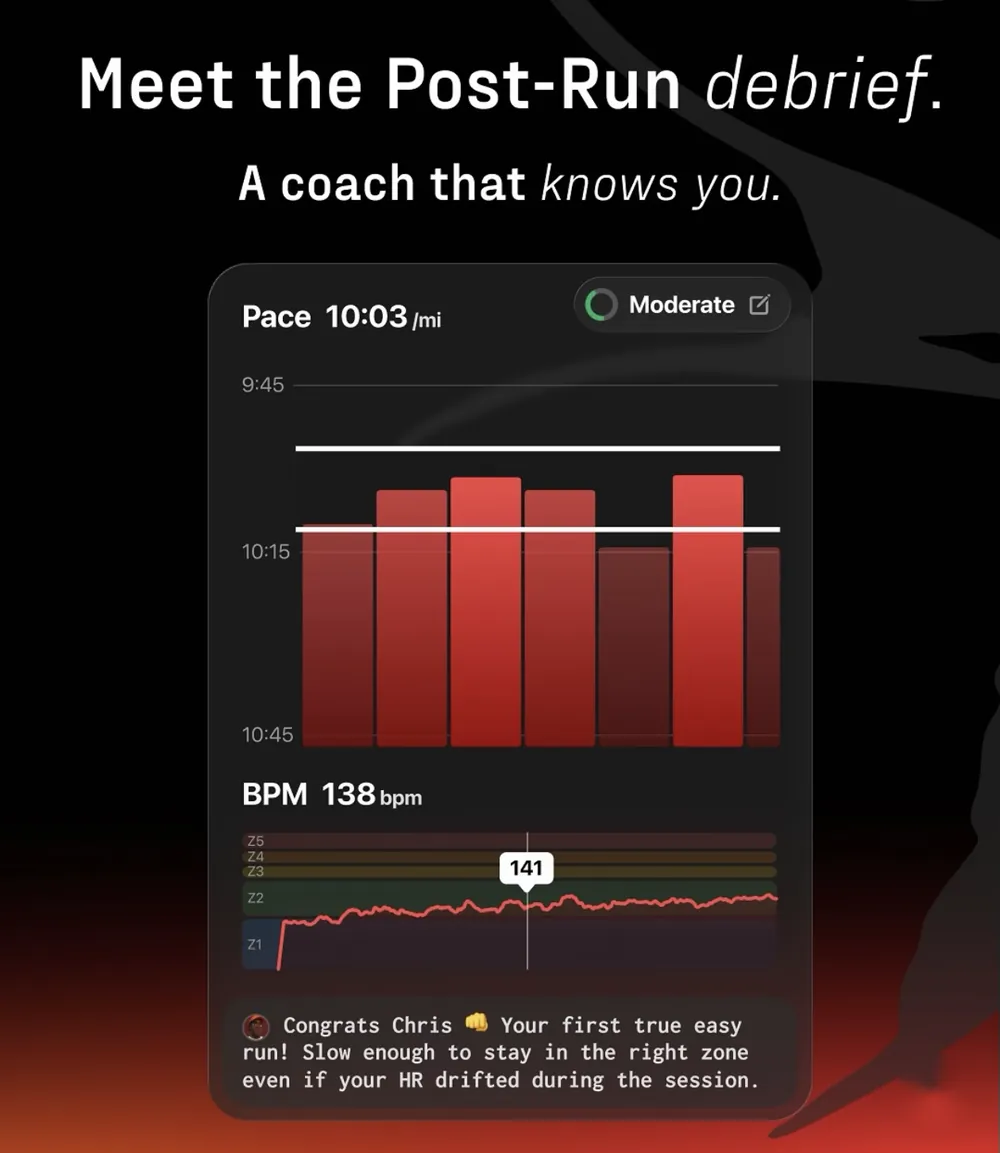
You can now debrief your runs out loud. In the latest Kotcha update on iOS, after any session or at the end of your week, you can tell Coach K how it went by voice or by text, in your own words. The coach takes what you say into account in its feedback and when it plans your next week. Your training paces now also adapt during the Weekly Wrap, and Coros watches join Garmin and Apple Watch.
What's new
Voice or text running debrief after every session. Rating your effort is useful, but a number never tells the whole story. "Legs were heavy from the start." "Felt easy until the last rep, then my calf tightened." Now you can record or type that, right after your run, and attach it to the session.
Voice or text in your Weekly Wrap. Every Sunday, before planning your next week, the coach asks how your week went. Until now you picked a feeling. Now you can also say it, or write it: the stressful work trip, the bad night of sleep, the long run that felt amazing.
Adaptive training paces. Your Weekly Wrap can now update your training paces as you progress, so your easy runs, tempos and intervals keep matching the runner you are today, not the one you were when you started.
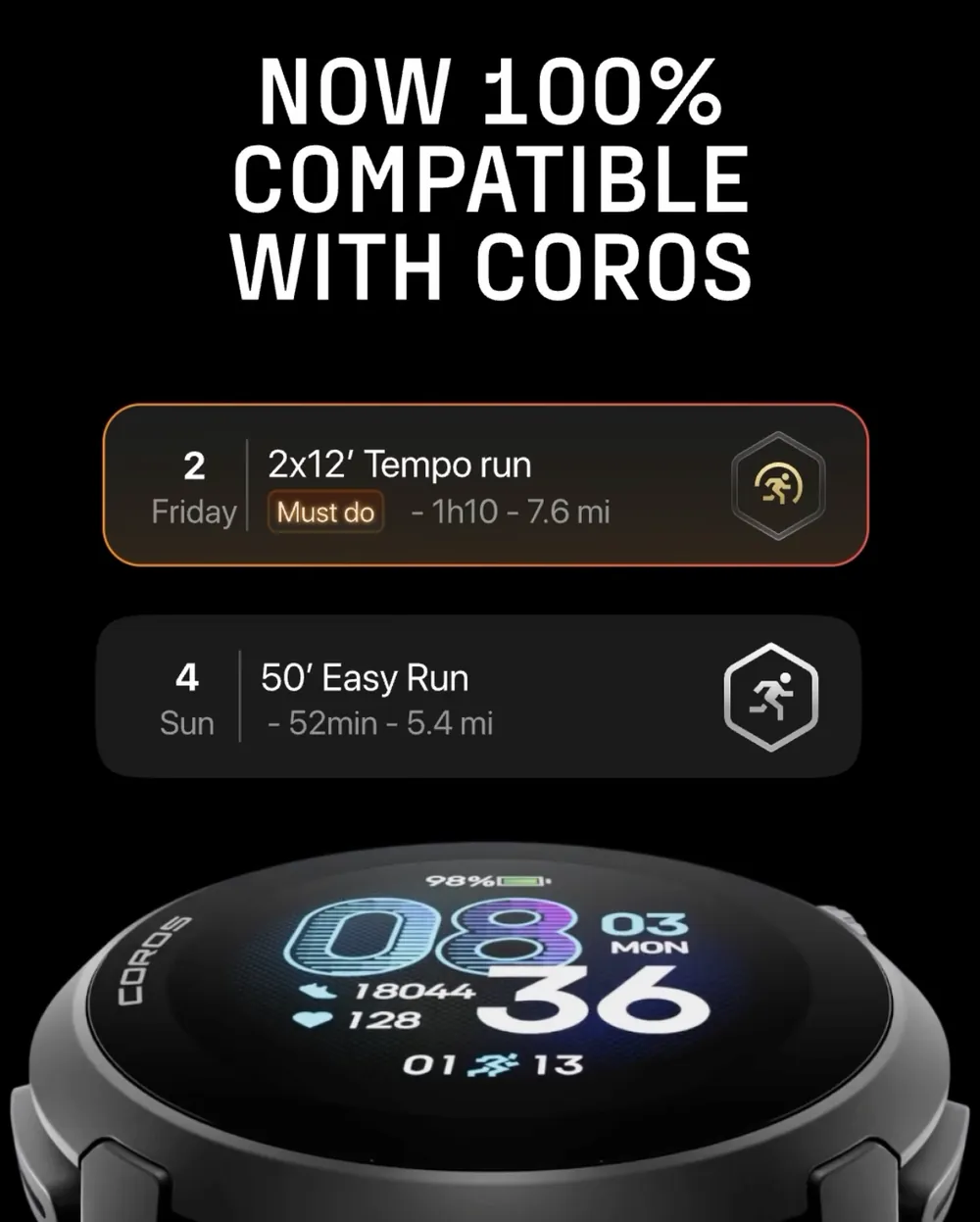
Coros sync. Coros joins Garmin and Apple Watch. Your planned workouts go to your watch, and your runs come back into Kotcha.
Fresh look for your sessions. New badges and a new workout card style make your plan easier to read at a glance.
How it works
After a run, open the session in the app. When you rate your effort, you can also record a voice note or type a few lines. On Sunday, when you unlock your next week, you can do the same in the Weekly Wrap.
What you share is attached to your session and passed to the coach. It becomes part of the context Coach K uses for your debriefs and for building the week ahead. The more you share, the more precise the coaching gets.
Why a real running debrief matters
Ask any good coach: the conversation after the session is half the job. Two runners can hit the same splits and have very different days. One cruised, the other was hanging on. Pace data alone can't tell them apart. Your words can.
That's how elite athletes work with their coaches. They don't just send numbers, they talk about how the session felt, how they slept, what hurt. A running debrief that includes your own voice brings that conversation into the app.
It also keeps you honest with yourself. Saying "I'm cooked" out loud on a Sunday is often the first step to a smarter week. If you tell the coach you're overly tired, it removes at least one workout from the next week so you can recover properly.
Want to know more about how the weekly plan works? Read our launch article.
How to get it
Update Kotcha from the App Store. Voice and text debriefs are available on iOS. To connect Coros, go to your connected devices in the app settings.
FAQ
What should I say in a running debrief?
Keep it simple: how your body felt, how hard the effort was compared to what was planned, and anything outside running that affected you (sleep, stress, travel, a niggle). Two or three sentences are enough.
Does the coach really use what I say?
Yes. Your message is stored with the session and passed to the coach, which takes it into account in its feedback and when it plans your next week.
Which watches does Kotcha sync with?
Garmin, Apple Watch and now Coros. More details in our FAQ.