Huawei watch running plan, plus an AI coach that edits your week
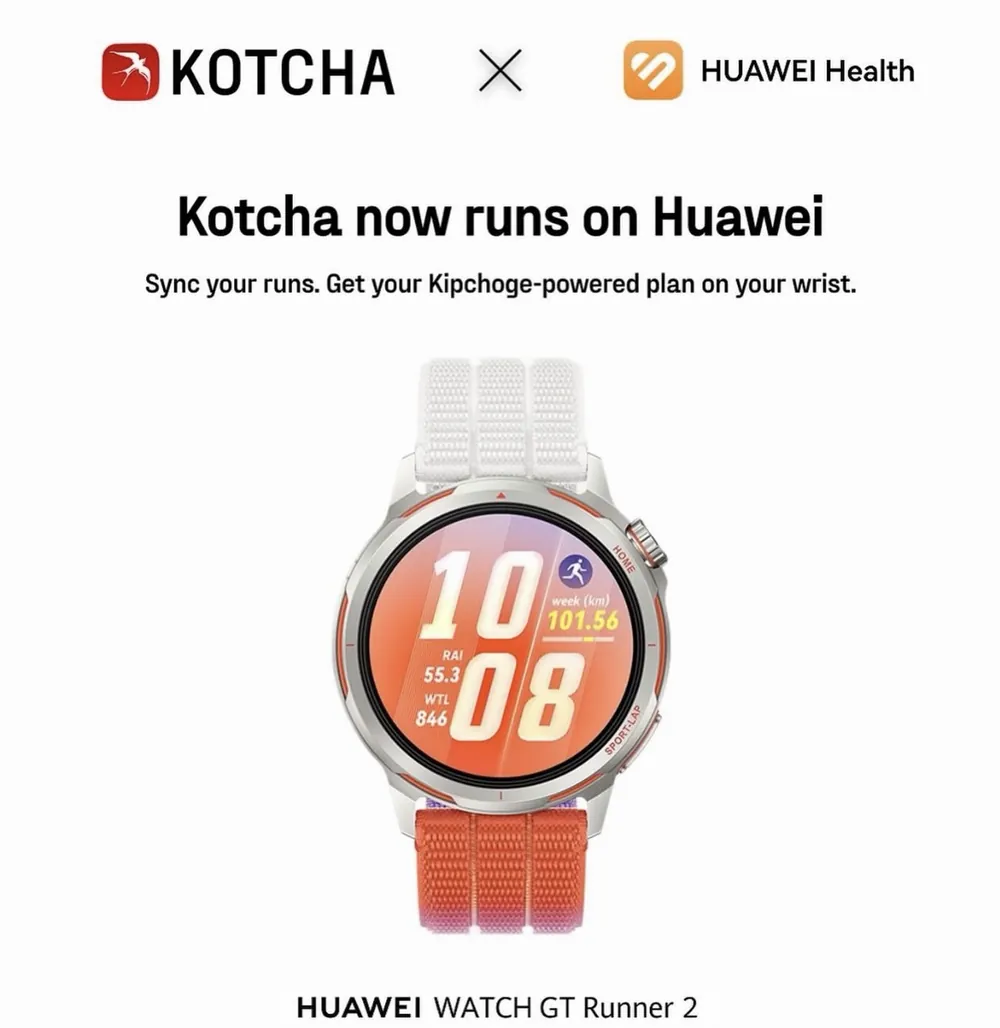
Your Kotcha running plan now works with Huawei watches: runs sync in, workouts go to your wrist. On iOS, your AI coach can also edit your plan from the chat.
Huawei watches now work with Kotcha. Your runs recorded on a Huawei watch flow into the app, and you can send your planned workouts to your Huawei watch, so your running plan lives on your wrist. On iOS, there's a second big change: your AI coach can now edit your plan directly from the chat. Ask it to move, shorten, lighten or remove a session, check the proposed change, and confirm.
What's new for your Huawei watch running plan
Huawei sync. Huawei joins Garmin, Apple Watch and Coros. Connect your Huawei account and your runs come into Kotcha automatically, so your plan always reflects your real training. Huawei support is rolling out on iOS and Android.
Send workouts to your Huawei watch. Send the day's session from Kotcha to your Huawei watch, and it's ready on your wrist when you head out.
Your coach can now change your plan. Until now, the chat could explain your plan, answer your questions and give advice. Now Coach K can act on it. This is one of the things runners asked us for most, and it's live on iOS.
Small things that make it nicer. You can skip watch pairing during onboarding and connect your watch later, and the coach now shows a typing indicator while it prepares its answer.
How plan changes from the chat work
Just tell the coach what's going on, the way you'd text a human coach:
- "I only have 30 minutes tomorrow."
- "Can we move Thursday's intervals to Friday?"
- "My legs are wrecked, can we go easier today?"
- "I'd like to add an easy run this week."
Coach K can then propose a change to your plan:
- Move a workout to another day.
- Remove a workout.
- Edit a workout. On easy runs and long runs, it can adjust the duration and the target pace. On tempo runs, intervals and reps, it can change the number of reps, their duration and their target pace.
- Add an easy run.
The change is shown in the chat before anything happens. You validate it, or you cancel. Your plan only changes when you say so.
Why it matters
A training plan is only as good as its fit with your real life. Work runs late, a child gets sick, the weather turns. A human coach handles that with a quick message. Now your AI coach does too, and you don't have to rebuild your week by hand.
It's also the next step in a simple idea: the more you share, the more precise the coaching. You can already debrief your runs by voice or text, and the coach uses it to plan your next week. Now the conversation can change your plan the same day.
And for Huawei runners, it's simple: you no longer have to choose between the watch you love and the coaching you want.
How to get it
Update Kotcha, then go to your connected devices in the app settings and choose Huawei. To ask for a plan change, open the chat and talk to Coach K. Plan changes from the chat are available on iOS. New to Kotcha on Android? Here's what you get on Android.
FAQ
Can I follow a running plan on a Huawei watch?
Yes. Connect your Huawei account in Kotcha, and your runs sync into the app while your planned workouts can be sent to your watch.
Will the AI coach change my plan without asking?
No. When you ask for a change in the chat, the coach shows you the proposed change first. Nothing is applied until you validate it.
Which watches does Kotcha work with?
Garmin, Apple Watch, Coros and now Huawei. More details in our FAQ.